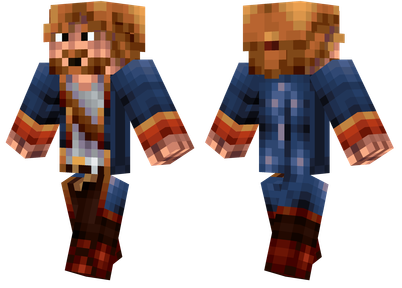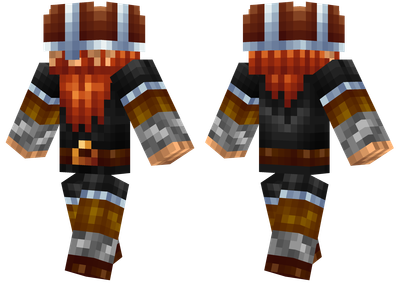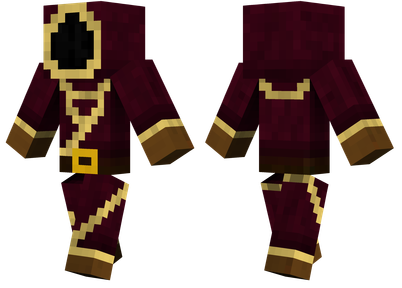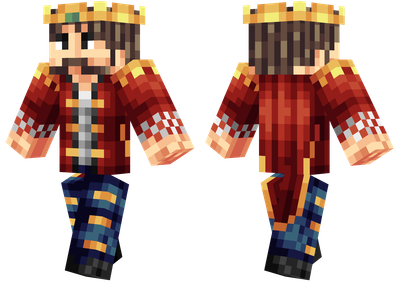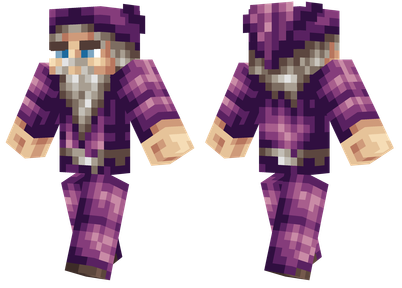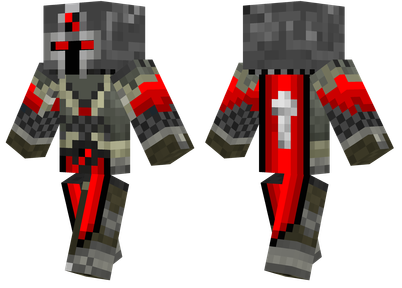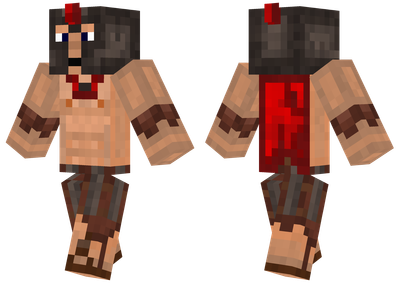

COSMICNPCS can record players' behavior, and then reproduce the player's behavior in the form of NPC.
This module also has a set of command hot keys, just pressing the button to generate NPC.
Use
Start recording:/NPC-REC
Acts recording: moving, breaking squares, placing blocks, right -clicking square interaction, right -clicking items interactive, using weapons, swimming, sneaking, sending chat information, discarding items, equipment, or objects.
End recording:/NPC-REC.
Start reappearing:/NPC-PLAY
In addition, there are more additional setting options, using True, FALSE or 1, 0 as allowed or not allowed.Too much, don't want to translate (
Command instructions
[Model]: Optional parameters, models for NPCs.If you enter MINECRAFT: Chicken, you will use the chicken model; if you ignore it, you will use an ordinary player model.
Command GUI
COSMICNPCS has a command hot key system that uses the "command GUI", which can be opened with Numpad 3.
Set a command selected by a player, and then press Numpad 9 to start executing.
If you press Numpad 9 again, you will not execute the same command as before, but execute the next command.
Players can set a command list to choose the required command freely.
Version difference
1.12.2
The skin material file is located at /.mineCraft/config/cosmic NPCS/Assets/NPC Textures.
Only six models are available: Player (player model), Playerslim (small player model), Villager (villagers), Witch (witch), VEX (annoying ghost) and Chicken (chicken).
The additional setting options are only ShowNametag and Invulnerable.Use 1 and 0 to be allowed or not allowed.
NPC can use commands by default.
1.7.10
The skin material file is located at /.mineCraft/config/cosmic NPCS/Assets/NPC Textures.
Unable to choose a model and use the player model by default.
The additional setting option is only Invulnerable.case sensitive.
NPC cannot use commands, nor can other behaviors cannot be reproduced normally.
The resolution of the skin must be 64 × 32 instead of 64 × 64.


The goal of MC Encyclopedia (MCMOD.CN) is to provide players with a better environment for MOD learning and research, and accept and cultivate more hardcore players.Provide Minecraft (Minecraft) MOD (module) item data introduction, tutorial strategy and MOD download, and is committed to improving the player's game experience.About the encyclopedia Encyclopedia help development log Donate Encyclopedia to follow the encyclopedia B station = "Fa Fa-Anagle-Right"> Opinions feedback Email © CopyRight Mc Encyclopedia 2013-2024 mcmod.cn |


In addition to other statements, MCMOD.CN, all open public editing content uses the BY-NC-SA 3.0 protocol.