
Note: blur is not compatible with Optifabric
Overview
BLUR blurred Gauss to the background of all GUI to make it look smooth.It is also configured, so you can adjust the appearance of your favorite module.
Comparison of each version
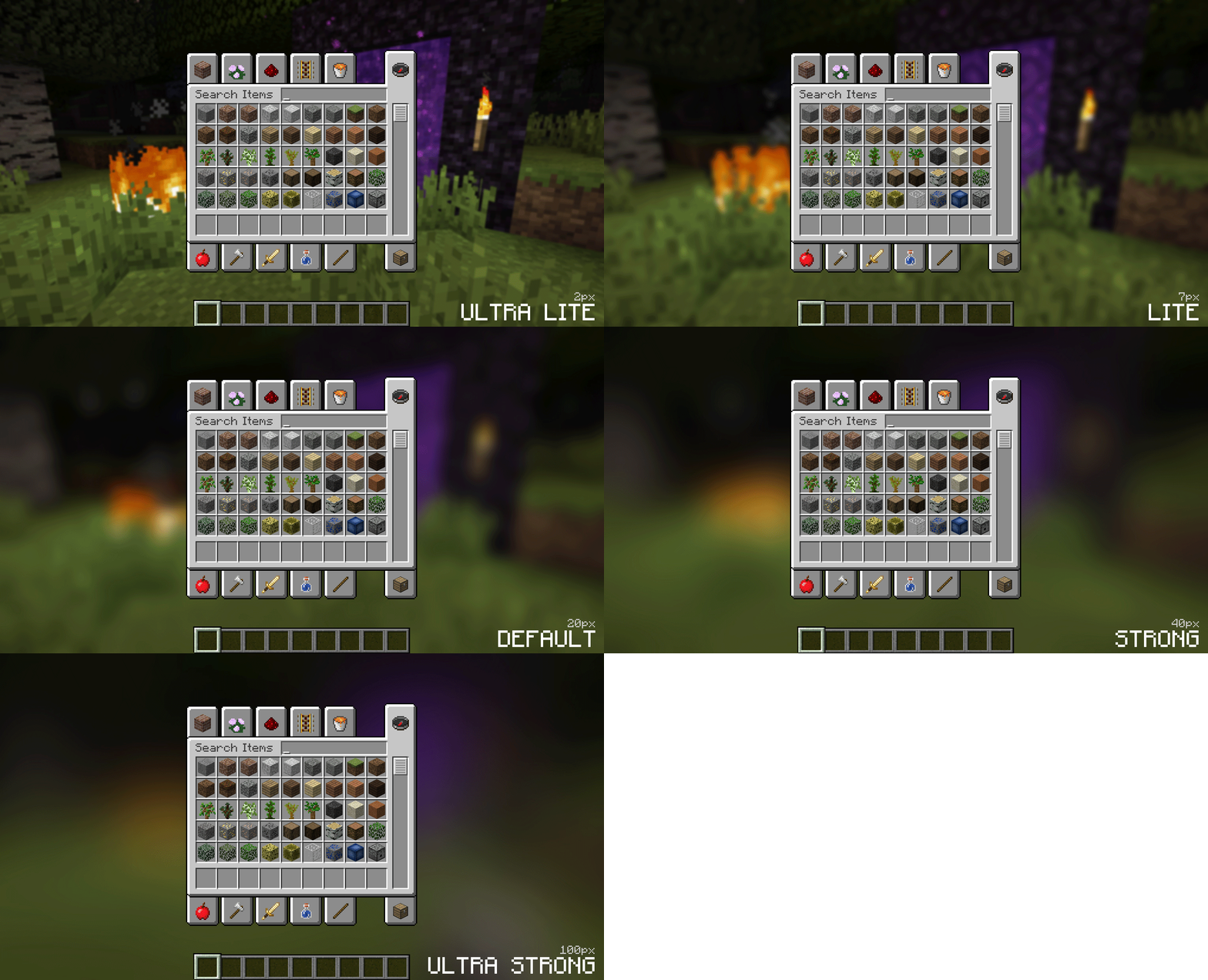
Change the background color


Display

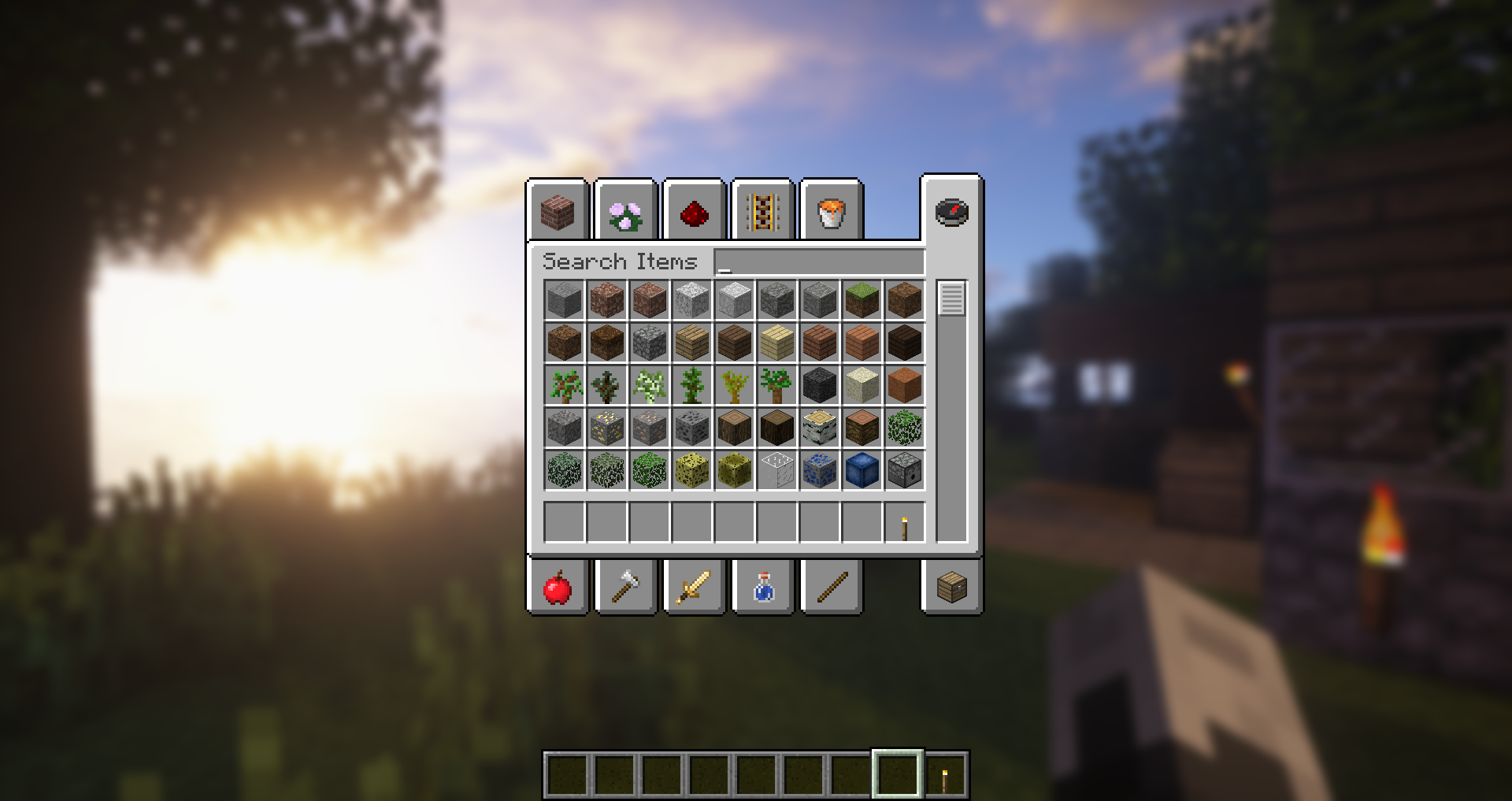
Configuration setting instructions
fadetime
This is the time spent that it is blurred by the "fading into", in milliseconds.
Gradientstart/Endcolor
All GUI backgrounds for covering.The value here is the sixteen -in -made color value, the format is ARGB (first Alpha, and then RGB).Because the background is gradient, two colors can be specified.The default value is black and the Alpha value is 45 % (75000000).
Guiexclusions
The class lists that are eliminated from the fuzzy color device.This will be used for graphic user interface that does not necessarily cover the screen.There is only one GUI by default, that is, chat.
fadetime
This is the time it takes for the blur to "face in", in milliseconds.
Gradientstart/Endcolor
The colors to use for the overlay on all gui backgrounds. The value here is a hexadecimal color value, in the format argb (alpha fIRST, then rgb). CKGROUND is a gradient, two color can be spiecified. The default is blackWith a 45% alpha value (75000000).
Guiexclusions
A list of classs to be excluded from the blur shadeer. This is to be used for guis whis. THE Chat.
This module has an unofficial updated branch (1.18+): Reblured (Froge)




In addition to other statements, MCMOD.CN, all open public editing content uses the BY-NC-SA 3.0 protocol.